Registered Volcano Engine
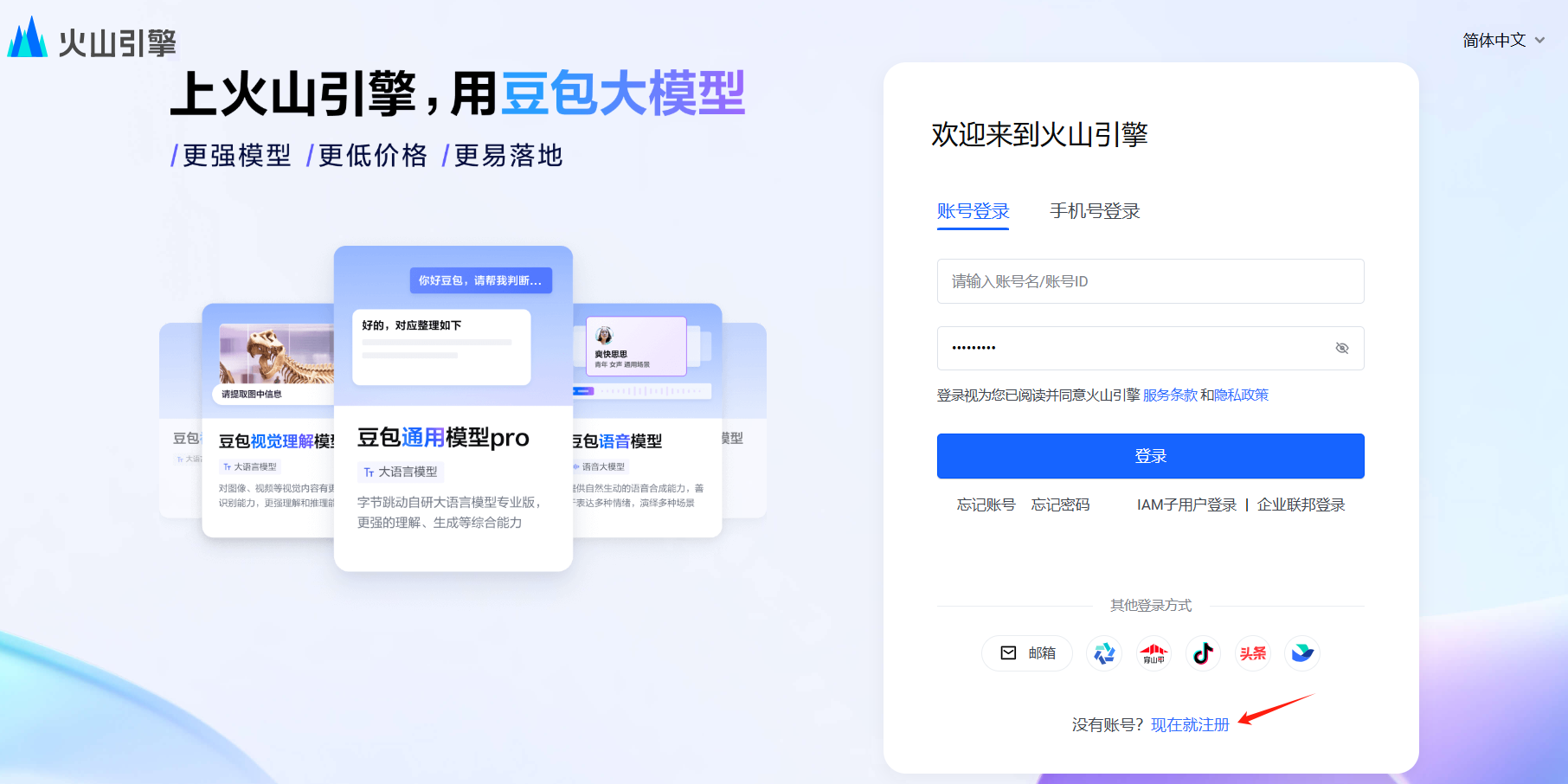
First, open a browser and type in the address barhttps://console.volcengine.com/
You can choose to register on this page, fill in the relevant information according to the prompts on the page, and complete the registration process. Or, if you already have an account, you can log in directly using your mobile phone.
Second, real-name authentication
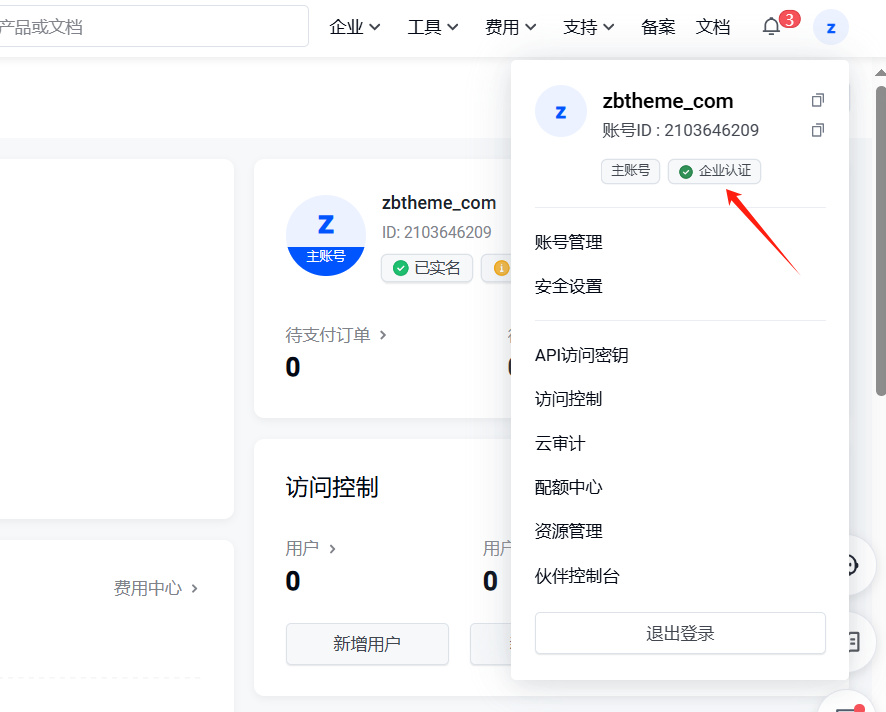
After successful registration or login, real-name authentication is required. Personal or enterprise authentication is OK. Follow the system prompts to fill in and submit gradually to ensure the accuracy and completeness of the information.
III. Set the API key
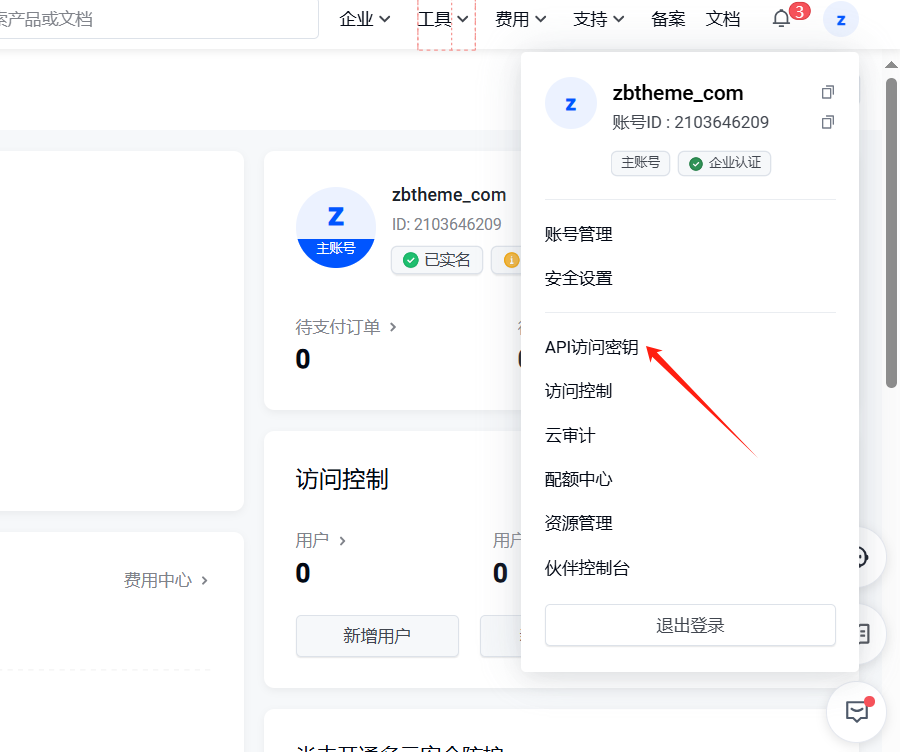
After completing the real-name authentication, enter the relevant page. Find the drop-down menu in the upper right corner of the page and click "api access".secret key"Options
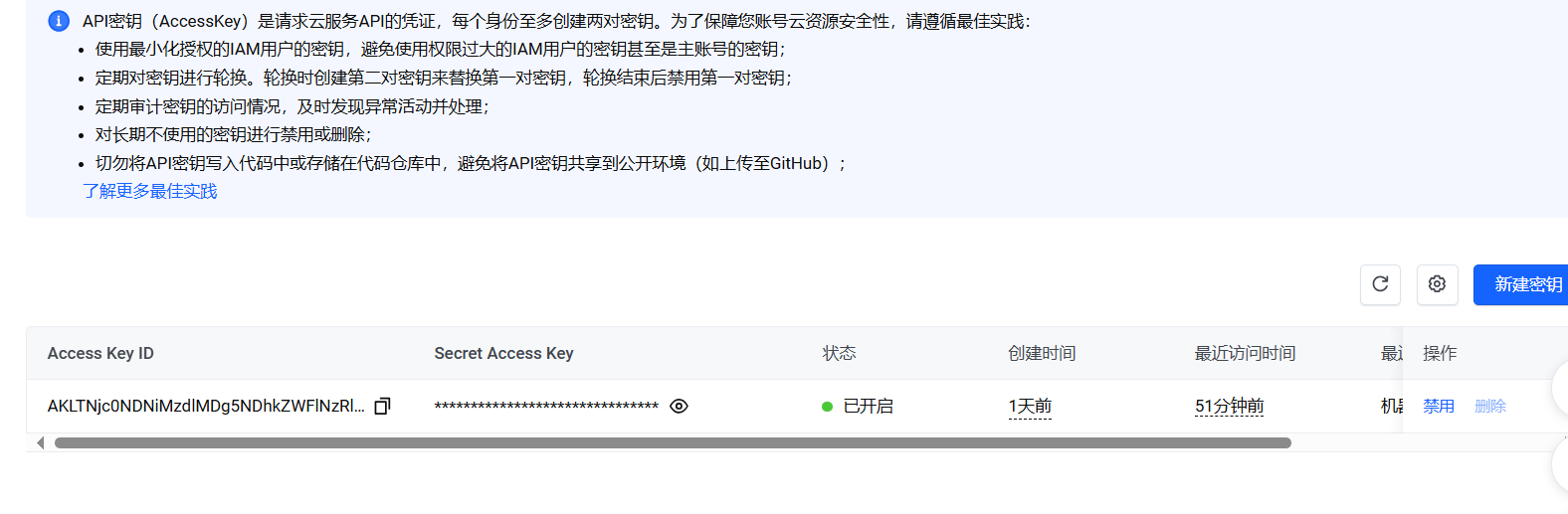
In the pop-up page, select the "New Key" button.
The system will prompt you with some relevant information. After confirming that it is correct, click "Continue to create". At this point, the system will generate a set of API keys for you.
IV. Configuration Key
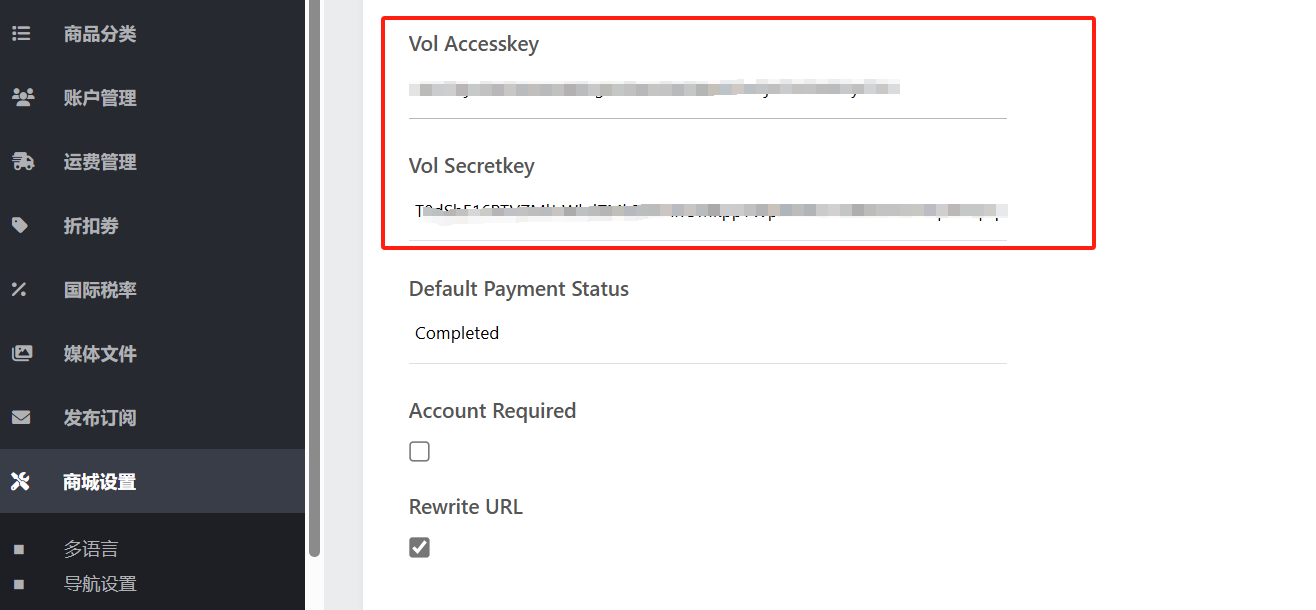
Once you have successfully created a new key, copy the set of keys.
Then, open the Zblog blogging program backgroundTranslation Settings....On the background settings page of AI translation, paste the copied key into and save it. In this way, the docking settings between the system and the bean bag translation interface are completed, and you can use the bean bag AI interface to perform relevant translation operations according to your own translation needs.
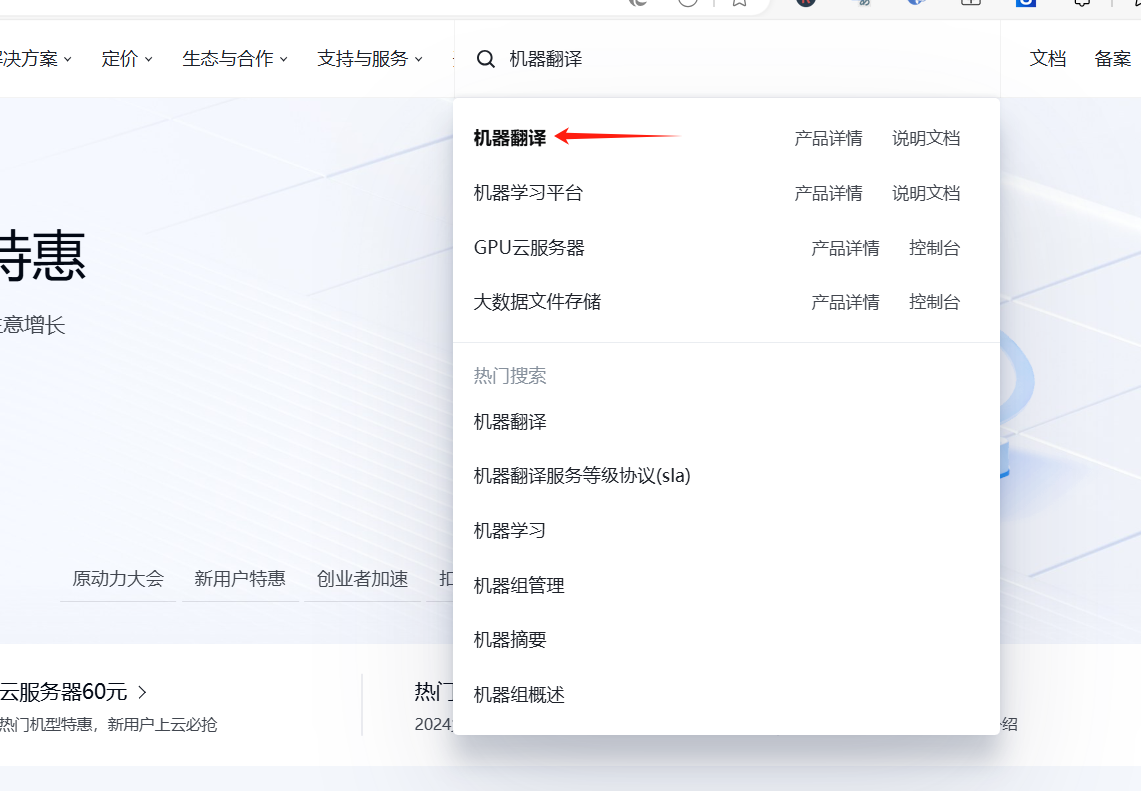
Opening machine translation
1) in the Volcano Engine console, search for machine translation
2) open machine translation
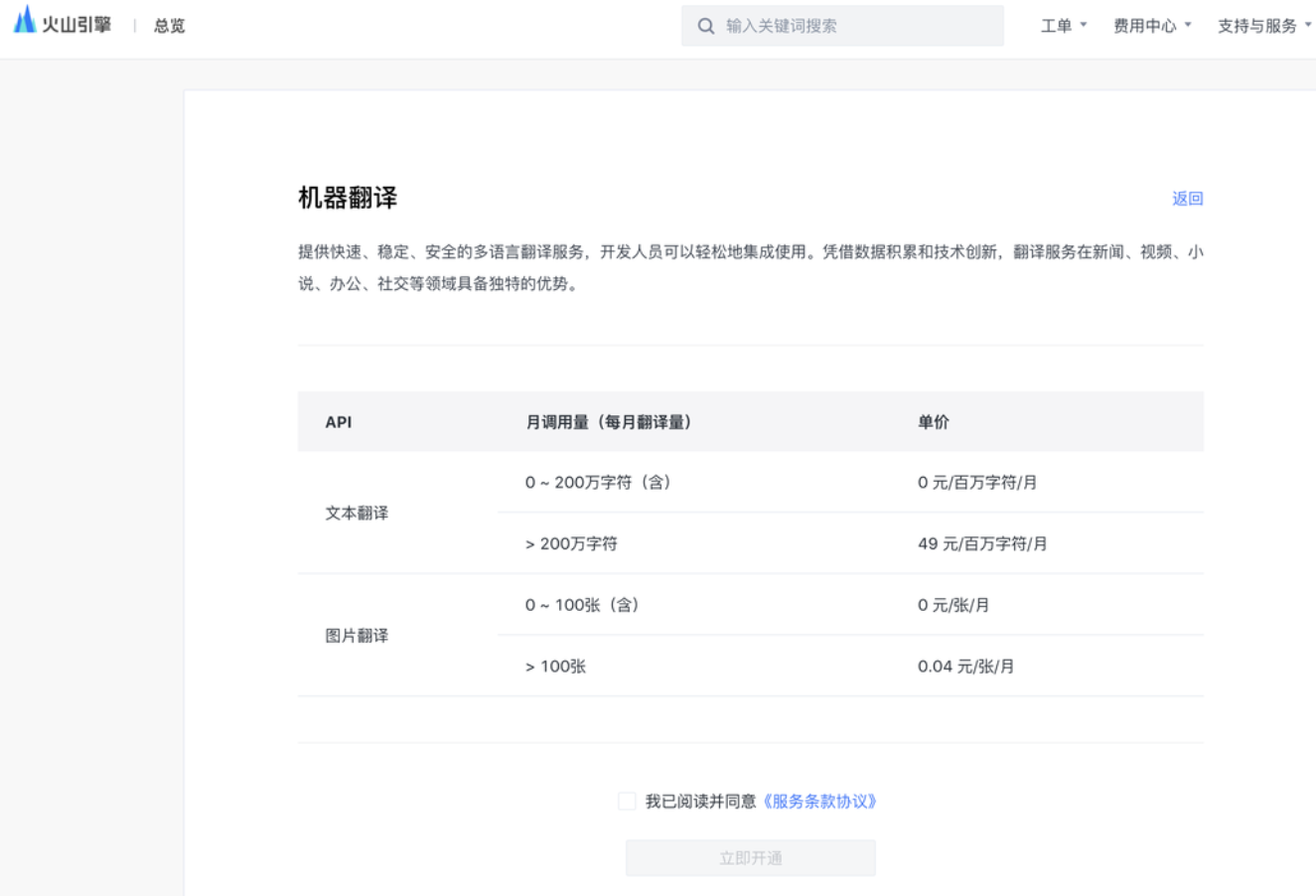
After the operation is completed, you can use the translation function in the background of the website! At the same time, please note that during the whole operation process, you should properly keep your API key and avoid leaking it to others to ensure the security of your account and data. At the same time, if you encounter any problems or questions during the operation, you can consult the relevant help documents or contact the technical support staff for help.